OLX „Negocjuj cenę” — how the price-offer button works
What is the „Negocjuj cenę" button on OLX?
„Negocjuj cenę" (negotiate price) is a button on many OLX listings — next to „Wyślij wiadomość" (send message) and „Zadzwoń" (call) — that opens a dialog for offering the seller your own price, without writing a message from scratch.
A note before you start looking for it: OLX's interface is in Polish, and this article keeps every button label in Polish for that reason. An English translation of „Negocjuj cenę" would not help you find it on the page.
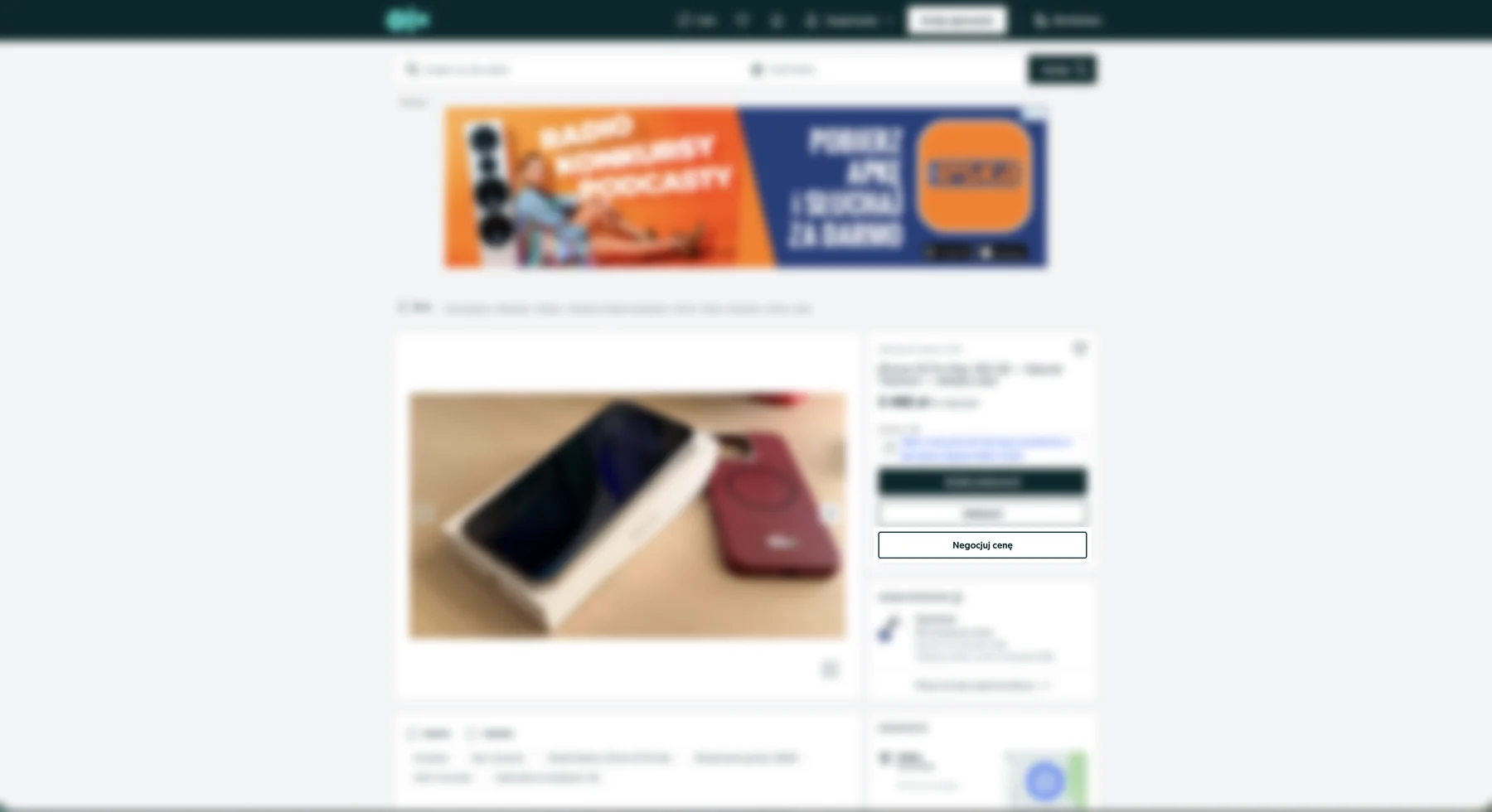
The button only appears for signed-in users. Without a session OLX does not render it, and the listing shows only „Wyślij wiadomość" and „Zadzwoń" — so if you are hunting for the button and cannot see it, check whether you are signed in first. It is also not on every listing: the seller has to allow negotiation, and those listings show „Do negocjacji" (open to offers) next to the price.
This article explains the OLX feature itself — where the button is, what happens when you click it, and how to finish the purchase once you have agreed a price. It does not repeat negotiating tactics (what percentage to open with, a ready-made message script, what to do about a counter-offer or at collection); that is all in Jak negocjować cenę na OLX — skrypt krok po kroku, which is in Polish.
How does „Negocjuj cenę" work?
Clicking it opens a dialog with a single amount field and a „Zaproponuj cenę" (propose price) button. The dialog reminds you of the asking price and the listing ID, so you know what the offer refers to.
If you would rather your offer reached the seller with a short justification (cash, quick collection), you can write a message instead — both routes lead to a conversation about price. The difference matters: you cannot justify the amount you type into the dialog; the seller sees the number alone.
How much can you knock off? OLX has a hard cap
Here is the thing you will not see until you try it: OLX will not accept an arbitrarily low offer. The dialog validates the amount and rejects it with a message stating the lowest value it will take.
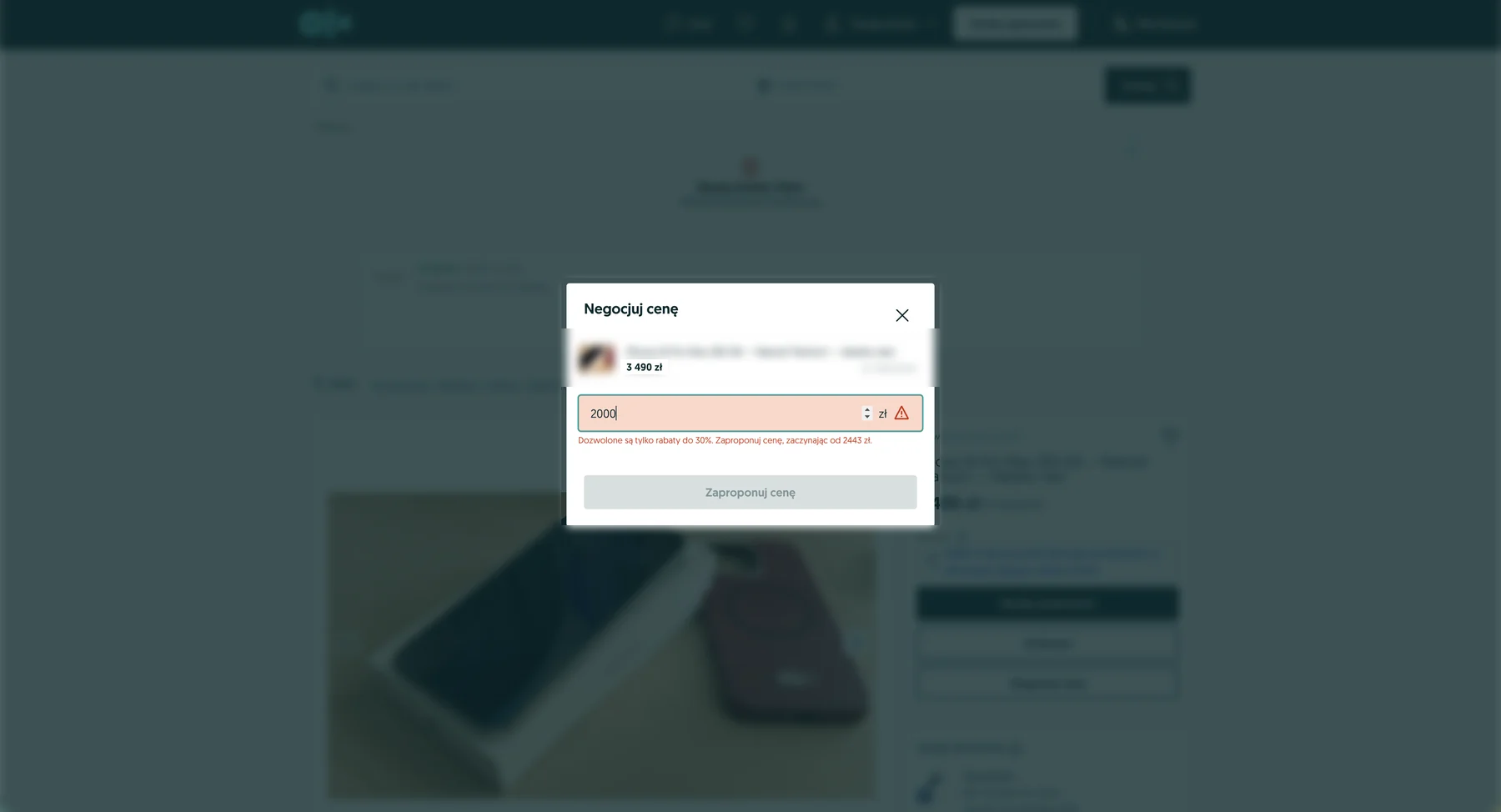
On the listing we checked, the cap was a 30% discount — a floor at 70% of the asking price: against 3 490 zł, the lowest amount accepted was 2 443 zł (3490 × 0.7 = 2443). An offer of 2 442 zł was already rejected, so the limit is enforced to the złoty.
The message comes in two variants and both state the same floor:
- „Dozwolone są tylko rabaty do 30%. Zaproponuj cenę, zaczynając od 2443 zł." (only discounts up to 30% are allowed — offer from 2443 zł) — when you aim too low.
- „Dobre wieści! Ten przedmiot kosztuje mniej. Zaproponuj cenę, zaczynając od 2443 zł." (good news, this item costs less — offer from 2443 zł) — when the amount you typed is higher than it needs to be.
Is 30% the rule across all of OLX? We are not claiming that. In the OLX interface the percentage is a variable substituted into the message, not a constant written into the text, so the cap may be different on another listing or in another category. We measured one listing — on 23 August 2026 it was 30% there. The practical conclusion holds regardless of the number: the dialog itself gives you the lowest acceptable amount, so you do not have to guess it.
What happens after you send an offer
The offer arrives in the conversation in OLX Chat as a separate card with the amount and a status — not as an ordinary message.
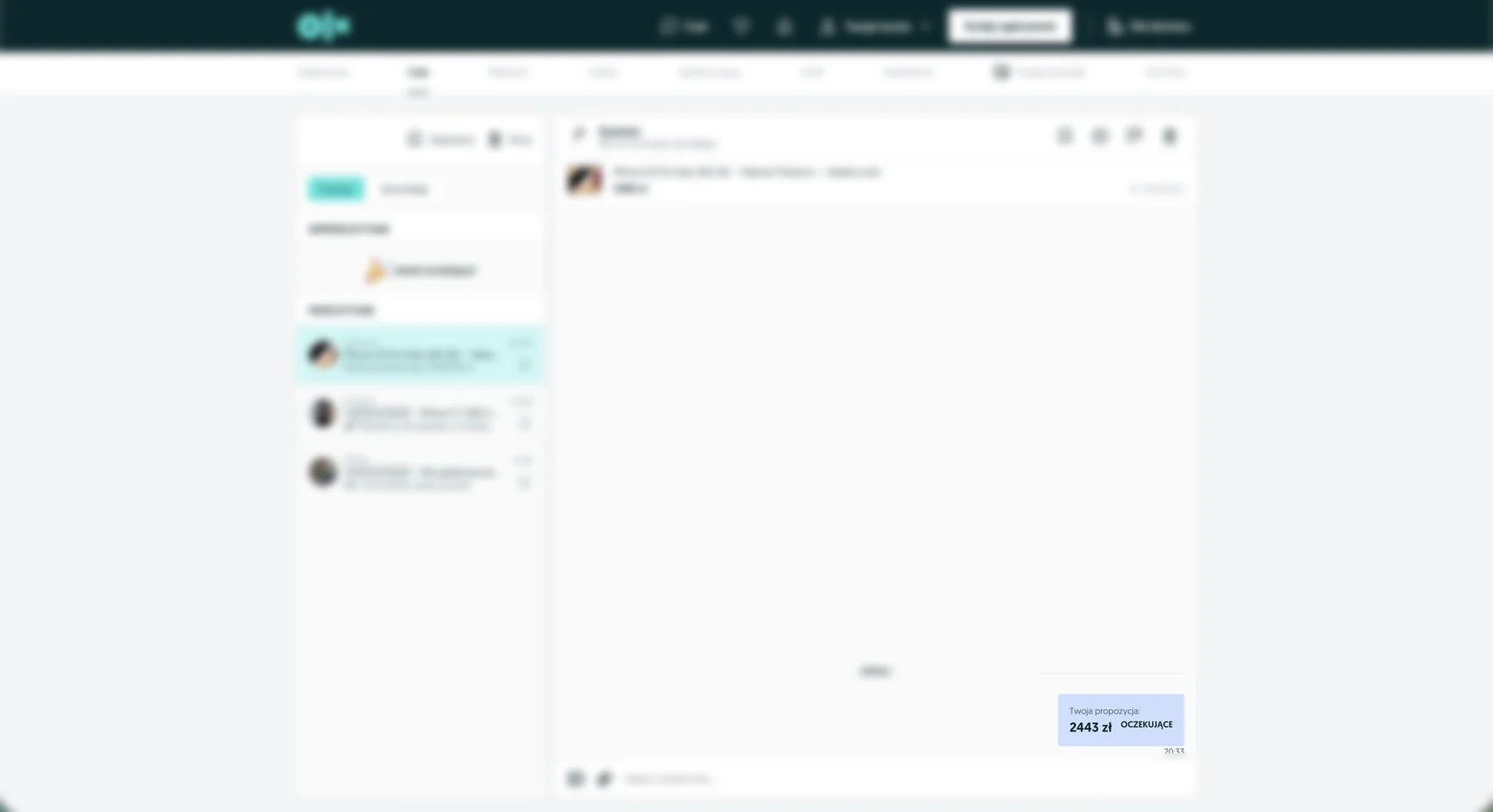
The statuses an offer can take: Oczekujące (pending), ZAAKCEPTOWANO (accepted), odrzucono (rejected) and NIEAKTUALNE (no longer valid). That last one is worth remembering — offers expire, so a seller's silence does not mean your offer is waiting indefinitely. The seller can also reply with a counter-offer.
A negotiated price applies only to you: in the OLX interface a note describes it as an offer for that buyer only, and on the listing itself every other buyer still sees the asking price.
What price should you offer?
There is no single universal number — it depends on how long the listing has been up, how comparable offers are priced, and how much of a hurry you are in. The general rule: offer an amount you can actually defend, rather than the lowest number possible. A detailed message script and an opening percentage are in our guide to negotiating on OLX, in Polish.
The closest thing to a concrete number is the answer to "what do comparable listings cost right now". That is checkable: paste a listing link and we will find comparable offers on OLX and work out how widely the prices are spread. If they are spread too widely to name a single figure, we will say so outright rather than guess.
What next, once the seller agrees to a price?
Once the price is settled you complete the purchase as normal — through „Kup" (buy) or „Przesyłka OLX" (OLX Delivery), exactly as on any other listing. A negotiated price does not change how you pay or how the item ships; it only changes the amount you pay. If you choose „Przesyłka OLX" and pay with „Płatności OLX" (OLX Payments), the transaction is also covered by the „Pakiet Ochronny OLX" (OLX Protection Package) — whatever price you agreed on. Both of those guides are in Polish.
Wondering whether the price you have in mind is even sensible against the market? Dealmo will compare the listing with similar offers on OLX and suggest what amount is worth opening with.
Before you start negotiating, it is worth knowing what to actually check at collection — we have collected that into checklists for buying a used phone and buying a used car, both in Polish. An argument based on a specific fault works better in a price conversation than simply asking for a discount.